
水ノ茉(こおり)の宣伝
叡智でえっちな同人作品を予定中…
Ci-en R18
同人作品の宣伝
プラグインの宣伝
始まり
実装方法を隠蔽していましたが、気分に任せて放出します。

ReloadGlobalShaders
これがシェーダーコンパイルを発火するコンソールコマンドです。
主にパッケージビルドなど、静的な使用を前提とされています。
UKismetSystemLibrary::ExecuteConsoleCommand(GEngine, TEXT("ReloadGlobalShaders"));実行中に愚直に叩くと違反する
静的な使用が前提のためランタイムで起動時以外に叩くと、走っている描画や物理の処理と不整合を起こして違反します。
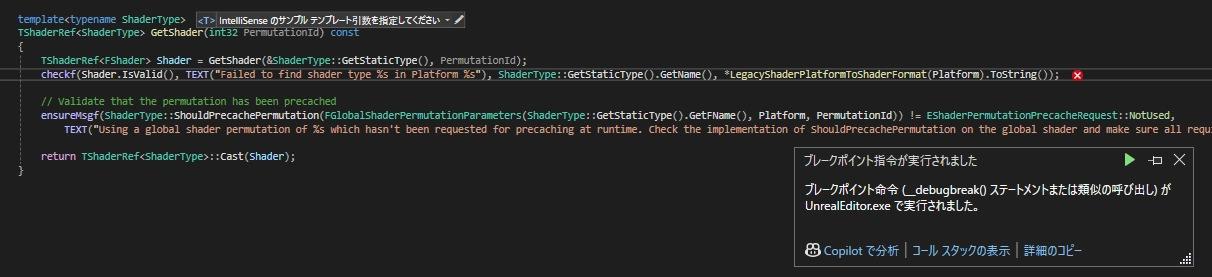
ホットリロード中に描画処理を止める
違反しないようにホットリロード中は描画処理を適当に止めます。
例としてBeginRenderingViewFamilies関数内で止めています。
Engine\Source\Runtime\Renderer\Private\SceneRendering.cpp
	TEXT("Whether to render from cached mesh draw commands (on vertex factories that support it), or to generate draw commands every frame."),
	ECVF_RenderThreadSafe);

//// CoffeeLive @kobayashi-arata 2025/06/20 ////
static TAutoConsoleVariable<bool> CVarHotReload(
	TEXT("r.HotReload"),
	false,
	TEXT(""));
//// CoffeeLive @kobayashi-arata 2025/06/20 ////

bool UseCachedMeshDrawCommands()
{
}
//// CoffeeLive @kobayashi-arata 2025/06/20 ////
#if WITH_EDITOR
if (Scene && !CVarHotReload.GetValueOnGameThread())
#else
if (Scene)
#endif
//// CoffeeLive @kobayashi-arata 2025/06/20 ////
{
// Set the world's "needs full lighting rebuild" flag if the scene has any uncached static lighting interactions.
if (World)
{プラグイン
中身をコンソールコマンドを叩くだけのモノに変更です。
エンジン改造をしない場合は動作しないのでただの箱です。
筆者はサブモジュール運用であらゆるプロジェクトで使いまわしています。
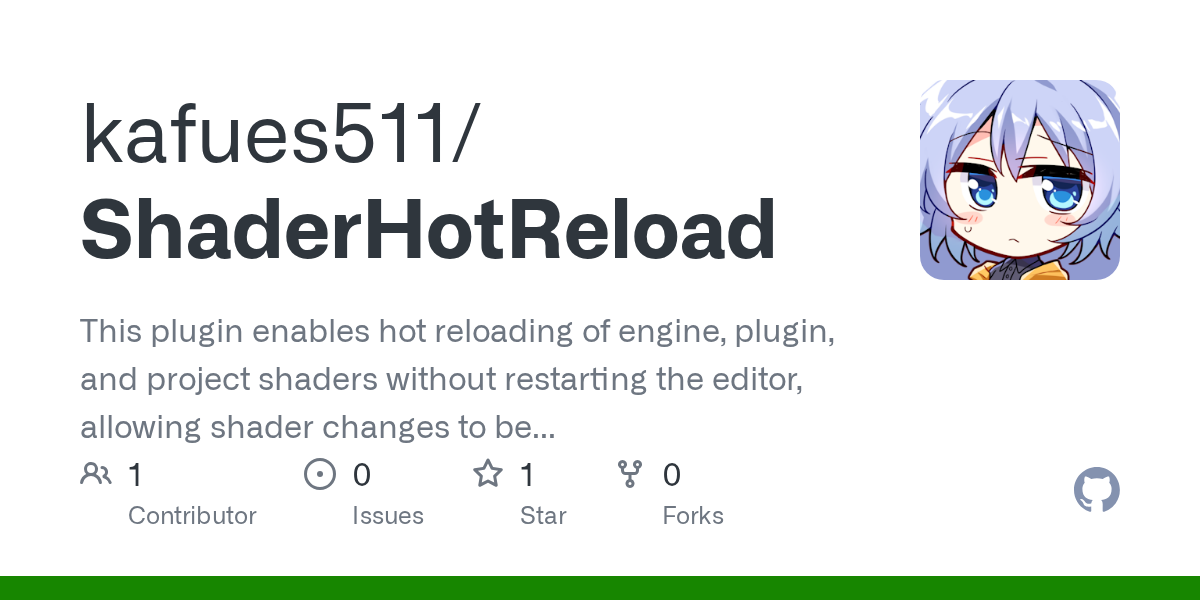
使い方
コードを編集してグルグルボタンをクリックするだけです。
Unityのように編集画面から戻ったら自動的に発火ということもデリゲートを使えばできます。
r.ShaderDevelopmentMode=1
文頭のセミコロンを削除してShaderDevelopmentModeを有効化すると、シェーダーコードの編集に失敗しても再試行が出来るようになります。
Engine\Config\ConsoleVariables.ini
; Uncomment to get detailed logs on shader compiles and the opportunity to retry on errors, and enable showing shader warnings
r.ShaderDevelopmentMode=1
クラッシュせずにエラーウィンドウがポップします。「はい」をクリックすると再コンパイルが実行されます。
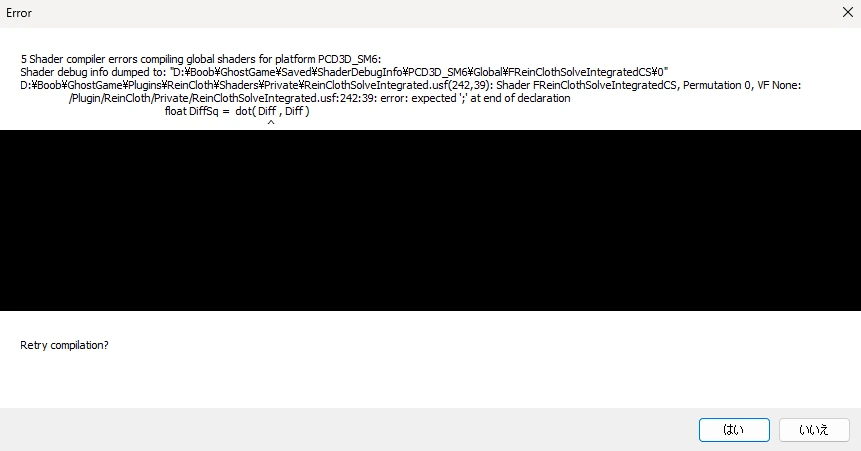
注意点として、通常のマテリアルを編集する際にShaderDevelopmentModeを有効にすると怒涛の通知が発生します。エンジンやプラグイン、プロジェクトのusf, ushなシェーダーを頻繁に且つ不安定な編集をする場合にのみ、有効にすることを推奨します。
たまにクラッシュする
これは仕様です。本来はランタイムでゴリゴリに動かす設計では無いのです。
GPUスキニングを改修する場合は追加対応
描画処理と導線が異なるため別途対応しないと違反します。
おわり!!!
ホットリロードくらい標準で対応してほしいものですね。アホらしい。